Yeap Access
Connect employees' devices to your private networks with a zero-trust VPN: one team, Connectors in your offices, private DNS and default-deny access rules.
Yeap Access connects your team's devices to your private networks: offices, data centers and cloud networks. Every user and device signs in, every connection is checked against your access rules, and nothing is reachable until a rule allows it. Traffic between devices and your networks is encrypted end to end.
Yeap Access is in public beta.
How it works
| Part | What it does |
|---|---|
| Team | Your organization. It has its own address, <team>.team.yeap.cloud, which is also the team dashboard |
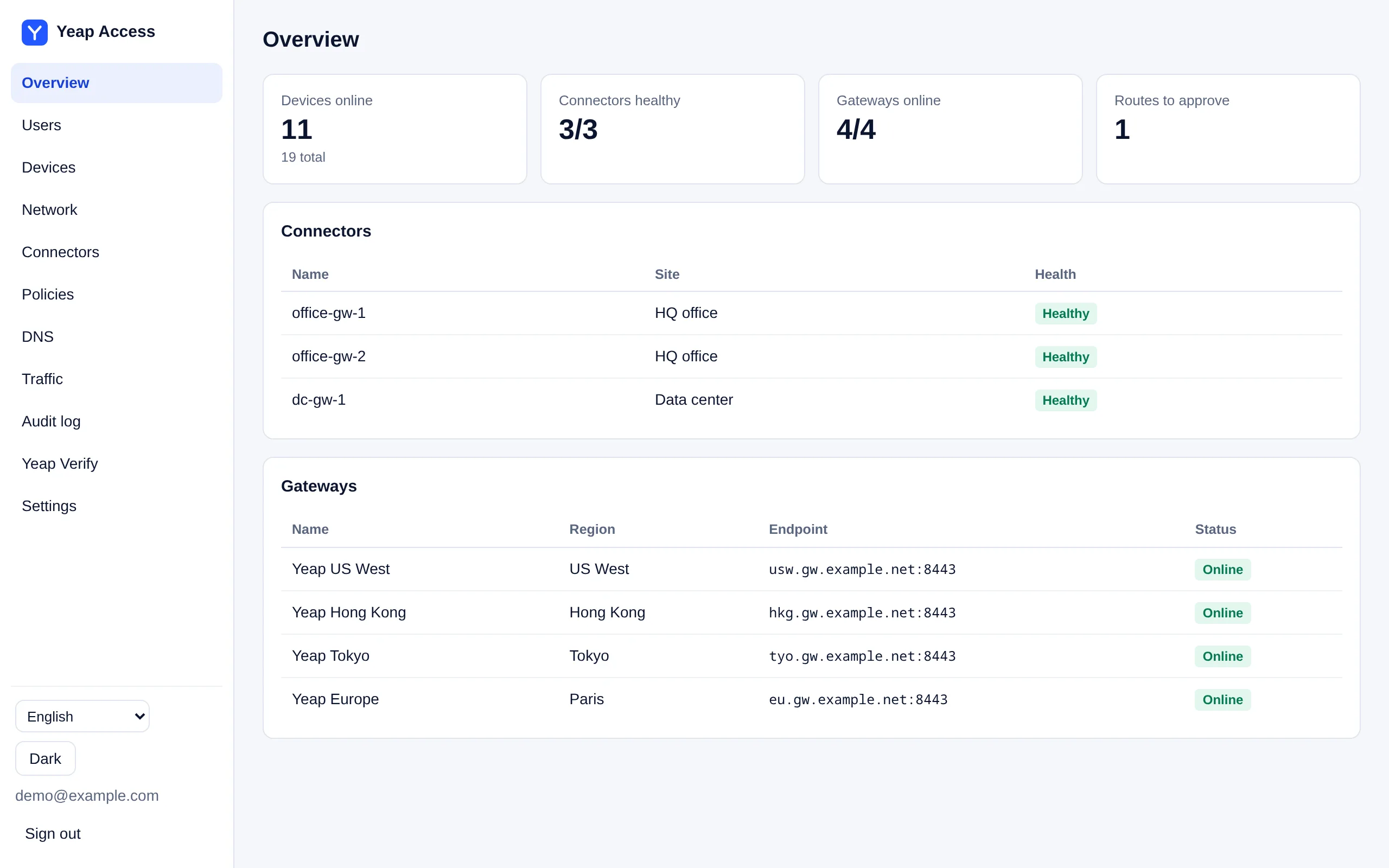
| Team dashboard | Where admins manage users, devices, Connectors, routes, DNS and access rules. Admins sign in with their Yeap account |
| Client | The app on each device. Employees sign in with the team name or an invite link and never type a server address |
| Gateways | Run by Yeap in several regions. Clients pick the nearest one and switch to another if it fails |
| Connector | A small service you install on a Linux machine in your network. It offers that network to your team |
One team covers both Yeap Access and Yeap Verify. In the console, open Security → Access & Verify.
Clients
| Platform | Status |
|---|---|
| Android | Available |
| Linux | Available (command line) |
| Windows | In testing |
Start here
| Page | What it covers |
|---|---|
| Get started | Create a team, sign in to the dashboard, add users, connect a device |
| Connectors and routes | Install a Connector, approve routes, standby Connectors, NAT |
| Private DNS and access rules | Split DNS, private zones, access rules |
| Plans and billing | Free and paid tiers, public egress, seats, expiry |
In this section
Get startedCreate your team, sign in to the team dashboard, add users and connect the Android or Linux client.Connectors and routesInstall a Connector in your network, approve the routes it offers, add a standby Connector and map overlapping networks with NAT.Private DNS and access rulesSplit DNS to your own resolvers, private zones, device names and default-deny access rules.Plans and billingFree and paid tiers, public egress, seats beyond the 50 free users, and what happens when a plan expires.
Was this page helpful?